Loading…
Taking a while? Reload the page.
Sign in to Garment sketch
Check your email
A sign-in link is on its way to . Open it on this device.
Nothing after a minute? Check your junk folder.
Google sign-in is for Tom&Co staff. Only Cotton Traders and Tom&Co emails can sign in.
How to use Garment sketch
Take a photo of a garment and the app draws it for Adobe Illustrator. Nine steps, about ten minutes, mostly waiting.
-
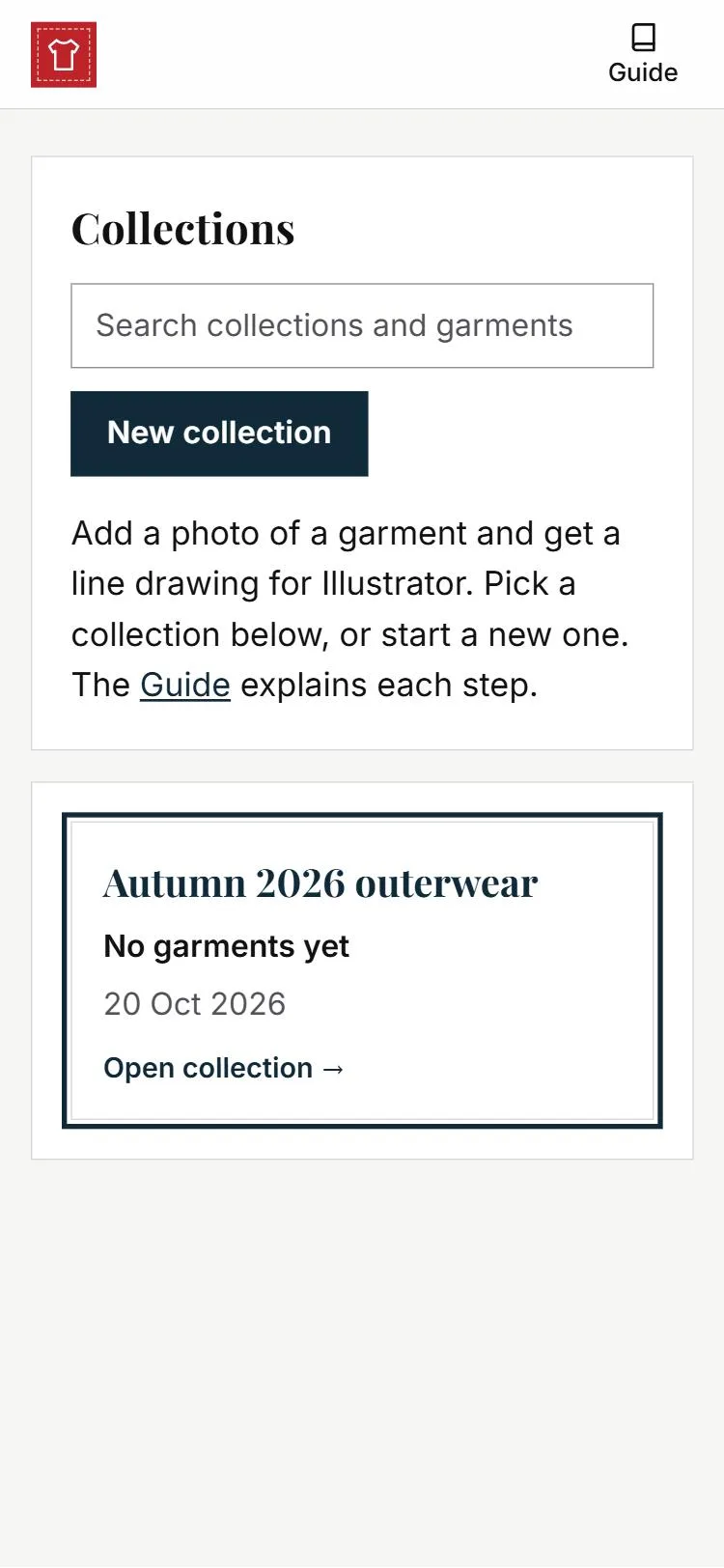
1Open a collection
A collection holds the garments from one season or range. Press one to open it, or press New collection and give it a name.
-
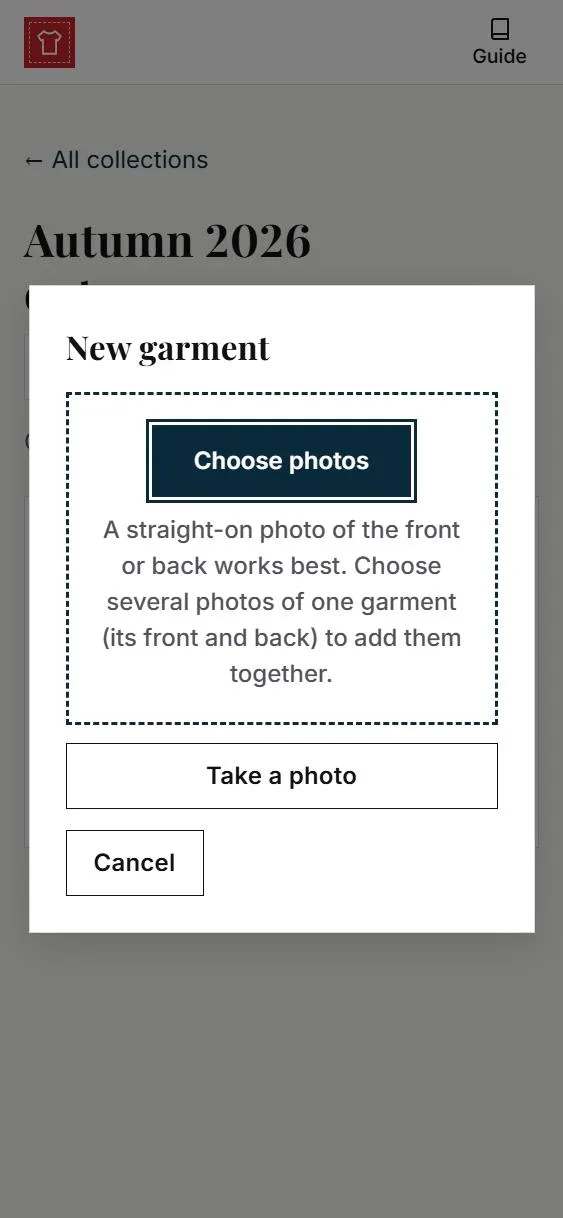
2Add a photo
Press New garment, then Take a photo or Choose photos. One garment per photo. The front and back can go in together. See taking a good photo below.
-
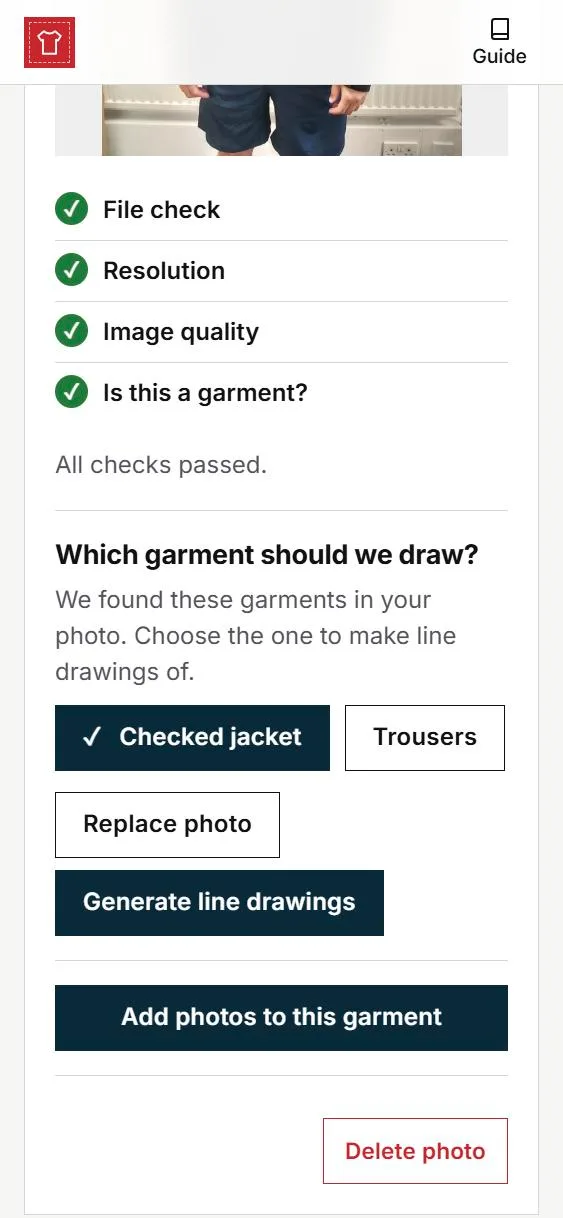
3Check and choose
Green ticks mean the photo is fine. If something is flagged, read it, then press Replace photo or Carry on. Under Which garment should we draw?, press the garment you want, then Generate line drawings.
-
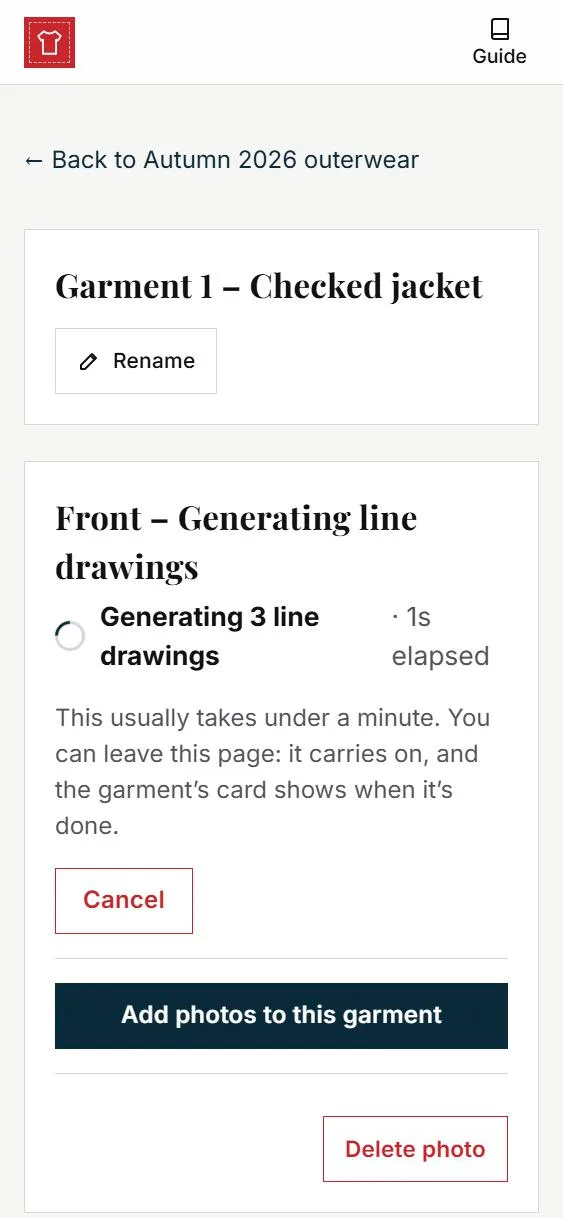
4Wait under a minute
You can leave this page. The work carries on, and the garment’s card shows when it’s done.
-
5Pick the closest drawing
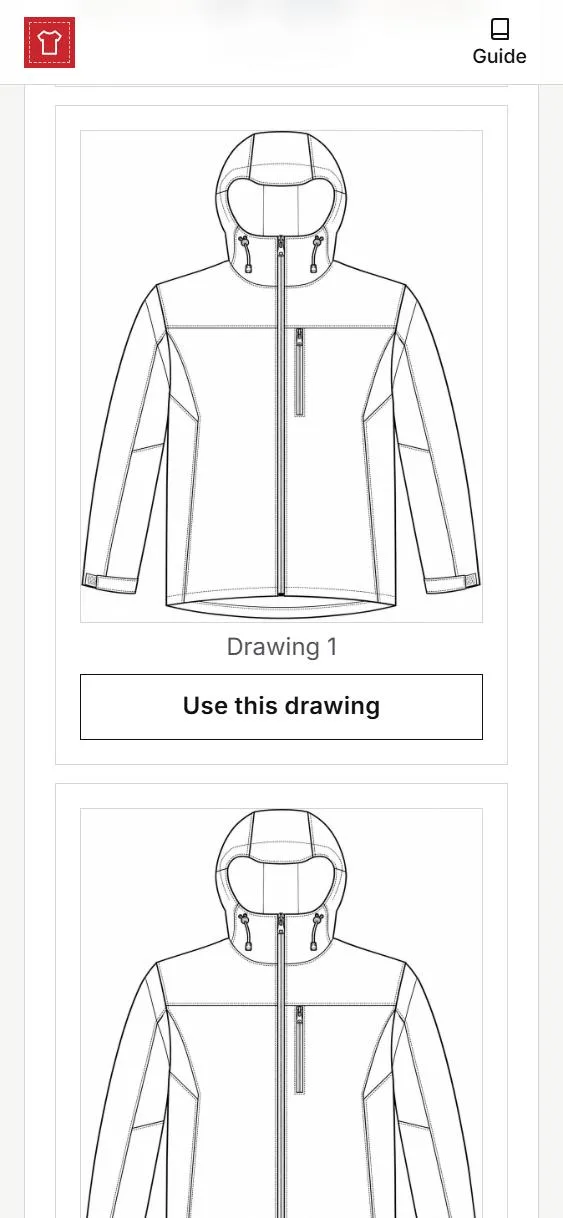
Your photo is first, then three drawings. Tap a drawing to see it large beside your photo. Under the closest one, press Use this drawing. If none is right, press None of these are right.
-
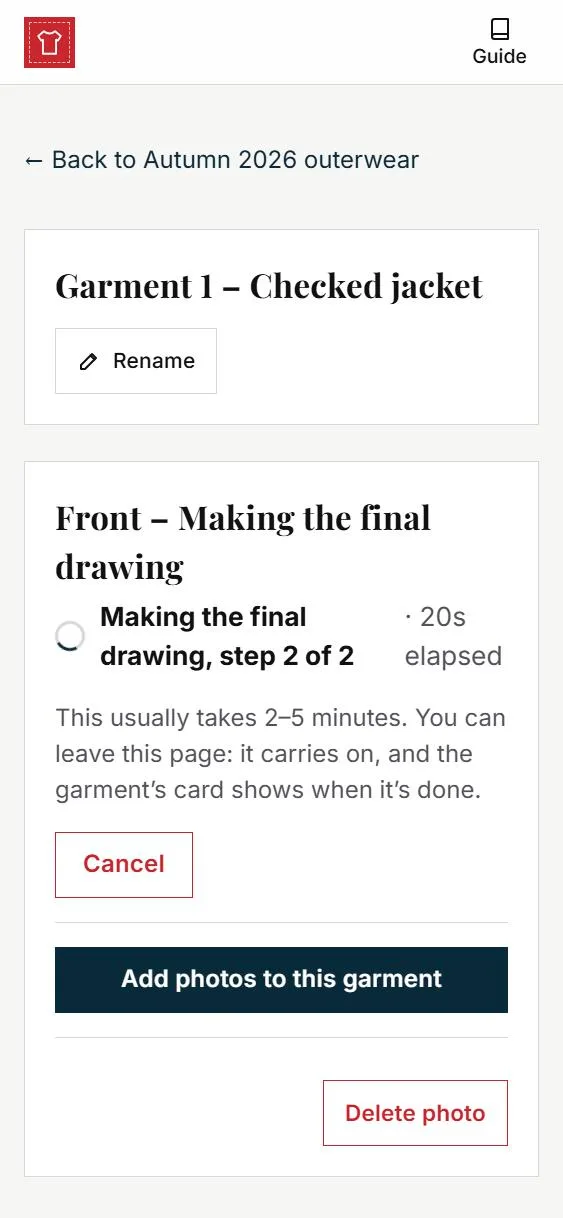
6Wait 2 to 5 minutes
Again, you can leave the page. Several garments can be drawn at the same time.
-
7Check it against the photo
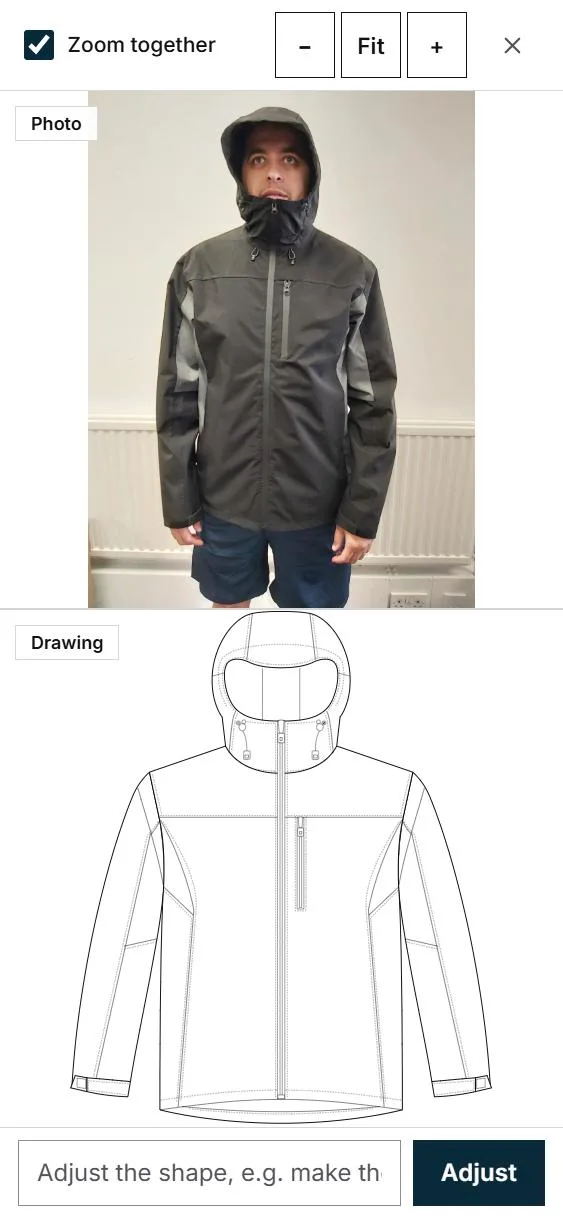
Press the drawing, or Compare with photo. Pinch to zoom. To change the shape, press one of the Common changes or type your own, such as make the shoulders wider, then Adjust. It takes about a minute, and Undo goes back.
-
8Pick the details
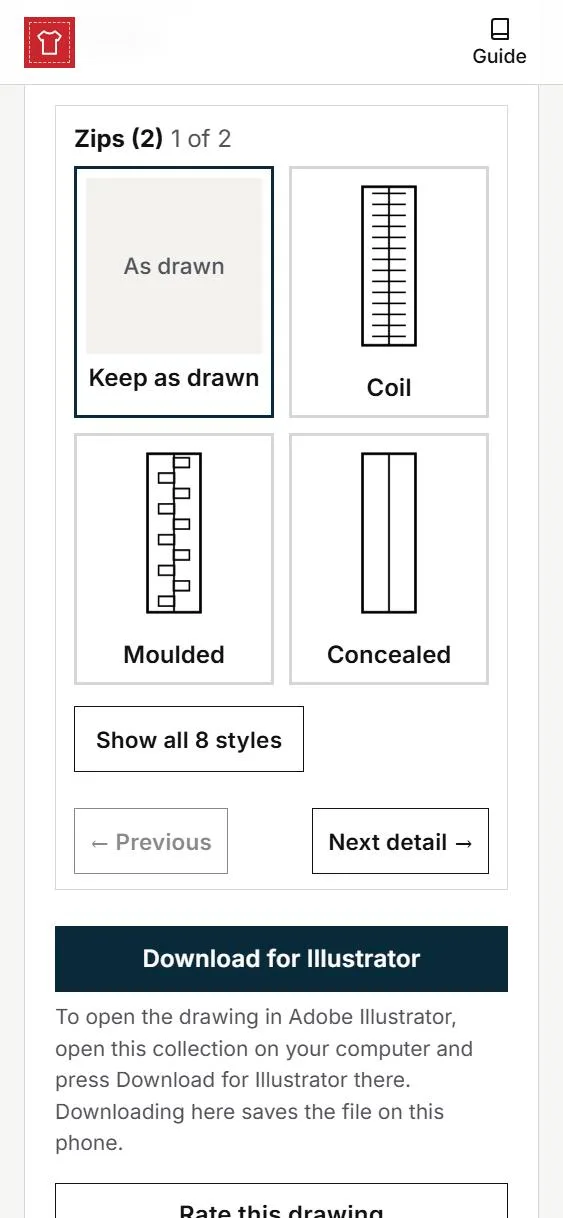
Under the drawing, the zips, buttons and trims it found are shown as small pictures. Press a style to use it, or Keep as drawn. Next detail → moves on. Your choices are saved as you go.
-
9Download on your computer
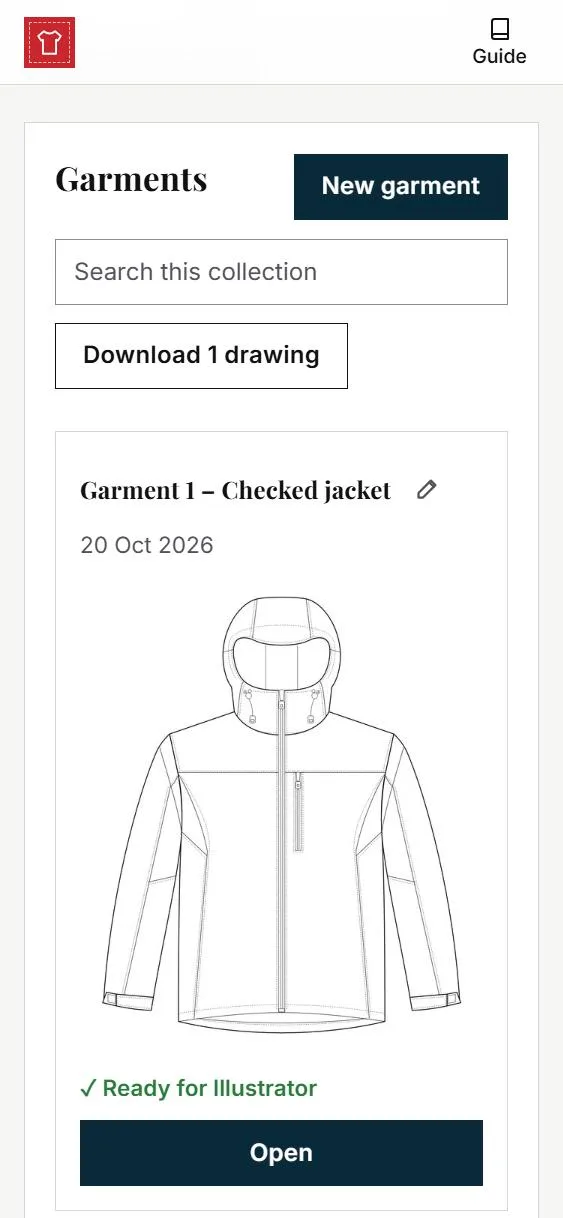
Open the collection on the computer with Illustrator and press Download for Illustrator. The file opens in Illustrator with three layers: outline, construction detail, trims. Download all drawings on the collection’s page gives you every garment in one zip.
Taking a good photo
The drawing can only be as good as the photo. A normal phone camera is fine.
- Straight on. Stand in front of the garment, phone upright and level, about the middle of the garment.
- The whole garment. Collar to hem, with a little space all round. Nothing covering it: hair, hands, bags.
- Done up as it should be drawn. Zips, buttons and hood as you want them. Smooth the creases.
- Good light, plain background. Daylight or a bright room, no window behind, no flash, a plain wall.
- One garment per photo. The front and the back as separate photos.
Before you upload, check:
- One garment, straight on?
- All of it in the picture?
- Sharp, not blurred?
- Plain background?
If not, take it again. It is quicker than fixing the drawing.
Other useful things
- More photos of a garment: press Add photos to this garment.
- Renaming: press Rename beside a collection or garment name, or Rename photo under a drawing.
- Deleting: open the garment and press Delete photo; deleting a garment’s only photo deletes the garment. Delete collection sits under a collection’s name; when it has garments in it, you type its name to confirm. You are always asked first, and nothing deleted can be brought back.
- Rating a drawing: press Rate this drawing and answer Yes or No. It helps us improve them.
- Staying signed in: you stay signed in for 30 days from the last time you used the app.
- If something goes wrong: press Retry. If it keeps failing, tell your Tom&Co contact which garment it was.
Feedback
The feedback page is part of debug mode: switch on Debug at the top to see it.
No collections yet. Press New collection to start one.
Garments
Collection not found
This collection does not exist, or the link is wrong. See all collections.
Upload a photo
Choose or drop the photos of one garment (its front and back).
Checks
Which garment should we draw?
Debug tools
For the line drawings. The final drawing made from one uses the same prompt and reference.
Choose a line drawing
Tap a drawing to see it large beside your photo. On the one closest to your photo, press Use this drawing: the final drawing is made from it, usually in 2 to 5 minutes.
Generating
Queued
Result
Common changes:
To open the drawing in Adobe Illustrator, open this collection on your computer and press Download for Illustrator there. Downloading here saves the file on this phone.
Rating saved.
Something went wrong
Garments
Nothing here yet. Press New garment to add the first one.